Quick Answer
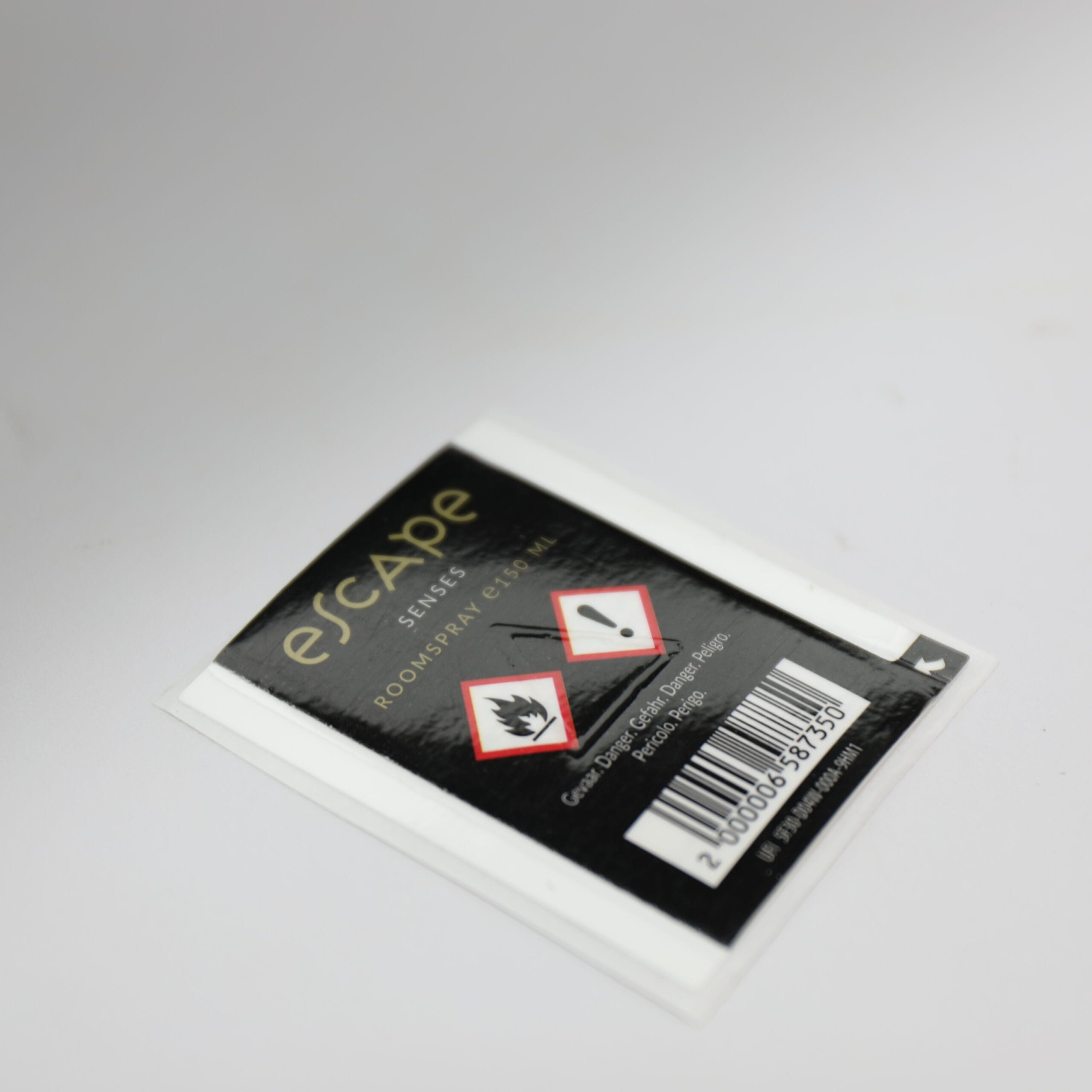
Before a label enters production, confirm the finished size, dieline, bleed, safe area, folds, barcode or QR placement, material, roll direction, file version and quote details. Send one clearly named final artwork file plus a specification sheet, and state which copy and data are approved. A production review can identify file conditions; the buyer remains responsible for approving text, variable data and final market compliance.
What to Include in Label Artwork
Size, dieline and orientation
State the finished width and height, units, corner radius, shape, orientation and winding direction. Use a separate dieline layer with a clear spot color and a clear label for non-printing cut lines. Do not flatten the dieline into artwork or let important graphics sit on the cut path.
Bleed, safe margin and folds
Extend backgrounds and images beyond the cut line by the printer’s specified bleed. Keep legal copy, logos and small type inside a safe margin so trimming variation does not remove or crowd them. For folded or booklet formats, map every panel and fold direction in a marked proof. The folded label artwork guide is useful when panel order or fold placement needs clarification.
Color, fonts and linked assets
Identify the color intent, provide embedded or outlined fonts, and package linked images. Keep white ink, varnish, foil or other special finishes on named spot-color layers. A flattened PDF can be supplied for review, but retain an editable source file if a production question requires clarification.
Barcode and QR placement
Supply the intended symbology and data, preserve the required quiet zone, and avoid placing codes over seams, folds, heavy texture or low-contrast backgrounds. The buyer should approve the encoded destination or identifier and perform a final scan test on the approved production sample or finished label.
Materials, adhesive and roll direction
Specify face material, adhesive expectation, finish, liner preference if relevant, application surface and environment. State whether the label applies by hand or machine and the required unwind or roll direction. Material and orientation can affect legibility, dispensing and panel alignment.
Extra Checks by Label Type
Clear labels
Define whether the design uses clear areas, white ink, opaque white underprint or a knockout. Review how transparency changes color and contrast on the actual container. See custom clear labels for the product context, then confirm the white-ink instructions with the quote team.
Vinyl labels
Confirm outdoor or wet exposure, surface shape, desired finish and adhesive assumptions. Check small type and fine lines at the final size, and make sure the artwork proof matches the intended cut shape. See custom vinyl labels.
Dietary supplement labels
Provide the approved panel copy, net quantity, ingredients, directions, warnings and any variable fields as buyer-approved data. Do not treat a printer’s prepress check as regulatory approval. Review the format and panel organization against custom dietary supplement labels.
Booklet labels
Supply a page map showing reading order, cover, inside panels, glue area and any perforation or fold. Check that critical copy does not land in the bind or hinge area. For extended content, compare the proof with extended-content booklet labels.
Medical labels
Identify the application surface, handling conditions, required identifiers and any variable fields. The customer must approve wording and market-specific requirements; production review does not replace a compliance review.
QR-enabled labels
Test the QR at its intended printed size and viewing distance, with the final contrast and quiet zone. Confirm that the destination, tracking parameters and fallback instruction are approved before release.
Common Artwork Problems
- The artwork size differs from the quote or the dieline is missing.
- Bleed is absent, inconsistent or hidden in a flattened file.
- Text or codes sit too close to a cut, fold, seam or edge.
- Fonts, linked images or spot-color instructions are missing.
- A barcode contains the wrong number, check digit or magnification for the application.
- The file name or revision does not identify which copy and data are approved.
- Roll direction, unwind, face material or application method is omitted.
When Artwork Review or Sampling Helps
Request a prepress review when the shape is unusual, panels fold, clear or special-ink layers are involved, variable data is present, or the label must scan on a specific package. Sampling is useful when the substrate, adhesive, finish, color perception, code readability or application behavior cannot be judged reliably from a screen. Review comments are production guidance; the customer still gives final approval for text, data and market compliance.
What to Send for a Quote
Send finished dimensions and shape, quantity or quantity breaks, material and finish, adhesive and application surface, roll direction or sheet format, artwork or dieline, color and special-finish requirements, barcode/QR or variable-data details, packaging or delivery assumptions, and the revision you want reviewed. Use the custom label quote page and include dimensions, quantity, material, application method and the artwork/data file.
FAQ
Do I need to supply a dieline?
Supply the dieline when you have one, with finished size, cut path and orientation clearly identified. If the shape is not finalized, state the intended dimensions and ask for a production-ready dieline before final approval.
How much bleed and safe margin should I use?
Use the bleed and safe-area values specified for the job rather than assuming one universal value. Extend backgrounds past the cut and keep critical elements inside the safe area shown on the approved dieline.
Can the printer fix my artwork?
The production team can flag conditions such as missing bleed, unclear layers or panel conflicts when the files and specifications are provided. You remain responsible for approving the corrected text, data, colors and final market compliance.
Should I outline fonts?
Yes, outline fonts in the production file or package the fonts when the workflow permits. Also provide a PDF proof so the intended appearance can be compared with the editable source.
What information is needed for a folded or booklet label?
Provide a panel map, page or fold order, hinge or glue areas, finished dimensions and the direction the label opens. A marked proof helps prevent panel-order and safe-area errors.
When should I request a sample?
Request a sample when material, adhesive, finish, folds, application equipment or code readability could change the result. Test the sample in the actual application and approve the final revision before production.
CTA
Ready for a production-focused quote? Submit your dimensions, quantity, material, application method and artwork or data file through the custom label quote page. Identify the approved revision and any barcode, QR, fold, roll-direction or special-finish requirements.