Quick Answer
This barcode and QR code label artwork checklist helps organize the data, layout and production details before a label goes to print. For a scannable label, confirm the code type and data, keep the quiet zone clear, size the symbol for the real scanner and distance, choose a compatible material and finish, state roll direction and application conditions, and test the approved artwork or sample. The customer approves the encoded data and final market compliance; a production review can check file conditions but is not a guarantee of scanning or regulatory approval.
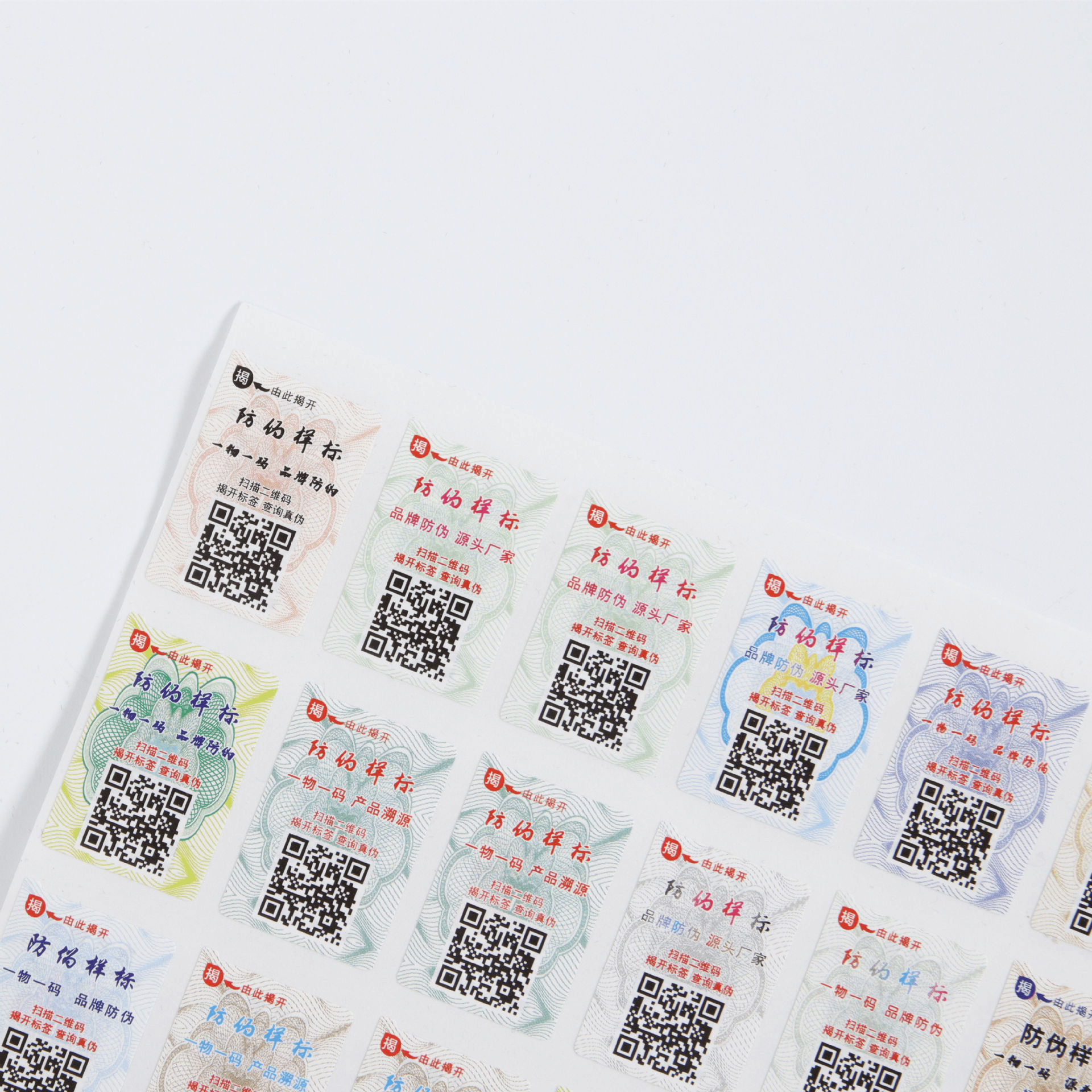
Barcode and QR Code Artwork Checklist
For retail 2D barcode context, review GS1 2D barcode guidance before finalizing the artwork.
Identify the encoding job
Name the symbology and its purpose: a linear barcode for a product identifier, a QR code for a URL or instructions, or variable data such as serial numbers, lot codes and expiration fields. For a QR job, approve the exact destination and any fallback text. For a variable-data job, define which fields change and how each record maps to the label.
Separate fixed and changing elements
Mark the fixed artwork, code location, human-readable text and variable fields separately. Define the sequence, formatting, character set, leading zeros, date convention and any check digit rules in the approved data specification. The variable data labels product page provides context for labels that use changing records.
Match the label to its use
State whether the label is scanned at point of sale, in a warehouse, on a device, outdoors or on a medical package. Application conditions determine the needed contrast, durability, finish and placement. For medical applications, review the format and use case with custom medical labels while retaining responsibility for approved wording and market requirements.
Data File Checklist
- Provide one approved data file with a header row and a clear field definition.
- Use a unique record identifier and state the expected number of records.
- Confirm the code value, human-readable value and any prefix or suffix agree.
- Define serial-number ranges, lot/batch format, expiration format and leading-zero behavior.
- Remove duplicate or test records, or label them clearly as test data.
- State the encoding character set and how special characters should be handled.
- Lock the approved revision and identify who owns final data approval.
For supplement packaging, submit buyer-approved panel and variable-field content and review the intended format with custom dietary supplement labels. A production check does not replace the customer’s final content or compliance approval.
Size, Quiet Zone and Layout
Size the symbol for the real scan
Choose symbol size based on data length, error correction or density, print process, viewing distance and scanner. Do not shrink a code simply to fit a crowded design. Keep human-readable text legible and leave room for inspection and application.
Protect the quiet zone
Keep the required blank space around every side of the code free of rules, text, graphics, varnish effects and nearby folds or cuts. Use strong contrast and avoid gradients, transparency, metallic effects or textures behind the symbol unless the actual process and test demonstrate acceptable results.
Show the placement and orientation
Mark the code location relative to the finished edge, fold, seam and leading edge. State orientation and roll direction. If the label is dispensed automatically, confirm that the code is presented in the direction and position the applicator expects.
Application Conditions
Describe the package material, curvature, temperature, moisture, abrasion, chemicals, storage and whether application is manual or machine-applied. Identify the face material, adhesive expectation, finish and roll or sheet format. A code that looks clear on a monitor can behave differently on a curved, glossy or transparent package; test in the actual use condition.
Common Errors
- Encoding an old URL, wrong item number, wrong lot or wrong serial range.
- Changing the data file without changing the artwork revision or record count.
- Trimming the quiet zone or placing the code across a fold, seam or edge.
- Using a code that is too small for the data density or scan distance.
- Putting light bars on a dark background, or placing the code over clear, metallic or textured areas without an approved treatment.
- Failing to compare human-readable text with encoded data.
- Skipping a final scan test on the approved material, finish and application.
What to Send for a Quote
Send finished dimensions, quantity, material and finish, adhesive and application surface, application method, roll direction or sheet format, symbology, sample values or approved data file, variable-field rules, human-readable text, target scanner or scan distance, and the artwork revision. For a QR project, include the approved destination. Use the custom QR code labels page for product context and submit all requirements through the custom label quote page. Include dimensions, quantity, material, application method and the artwork/data file.
FAQ
What data file should I send?
Send one approved, structured file such as a spreadsheet or delimited file with headers, unique record IDs and a definition for every variable field. State the expected record count, formatting rules and revision.
Can I send only a QR destination URL?
Send the exact approved URL plus the intended QR size, placement, human-readable instruction and any fallback text. Confirm that the destination and tracking choices are final before production approval.
How do I protect a barcode’s quiet zone?
Show the quiet zone on the artwork and keep it clear of copy, rules, graphics, folds, cuts and special finishes. The required clearance depends on the code and production specification, so confirm it in the proof.
Who is responsible for final scan testing?
The customer should approve the encoded values and perform or commission final testing in the intended application. The factory can review production conditions and discuss a sample, but it should not be treated as a scanning guarantee.
Do variable-data labels need a separate data file?
Yes. Provide the approved records separately from the fixed artwork, with field rules and a record count. This makes it possible to compare each encoded value and human-readable value with the intended record.
What material is best for a QR label?
There is no universal best material. Choose based on surface, moisture, abrasion, curvature, finish, adhesive and scanner conditions, then test the selected construction in the actual application.
Can a medical or supplement label be approved by prepress?
Prepress can check file setup and production conditions, but the customer remains responsible for final content, market/regulatory compliance and approval. Medical or supplement projects should include intended use, size, material, data and final approved artwork.
CTA
Request a quote by submitting dimensions, quantity, material, application method and the artwork or data file through the custom label quote page. Include the code type, approved records or destination, quiet-zone expectations, roll direction and final scan-test plan.